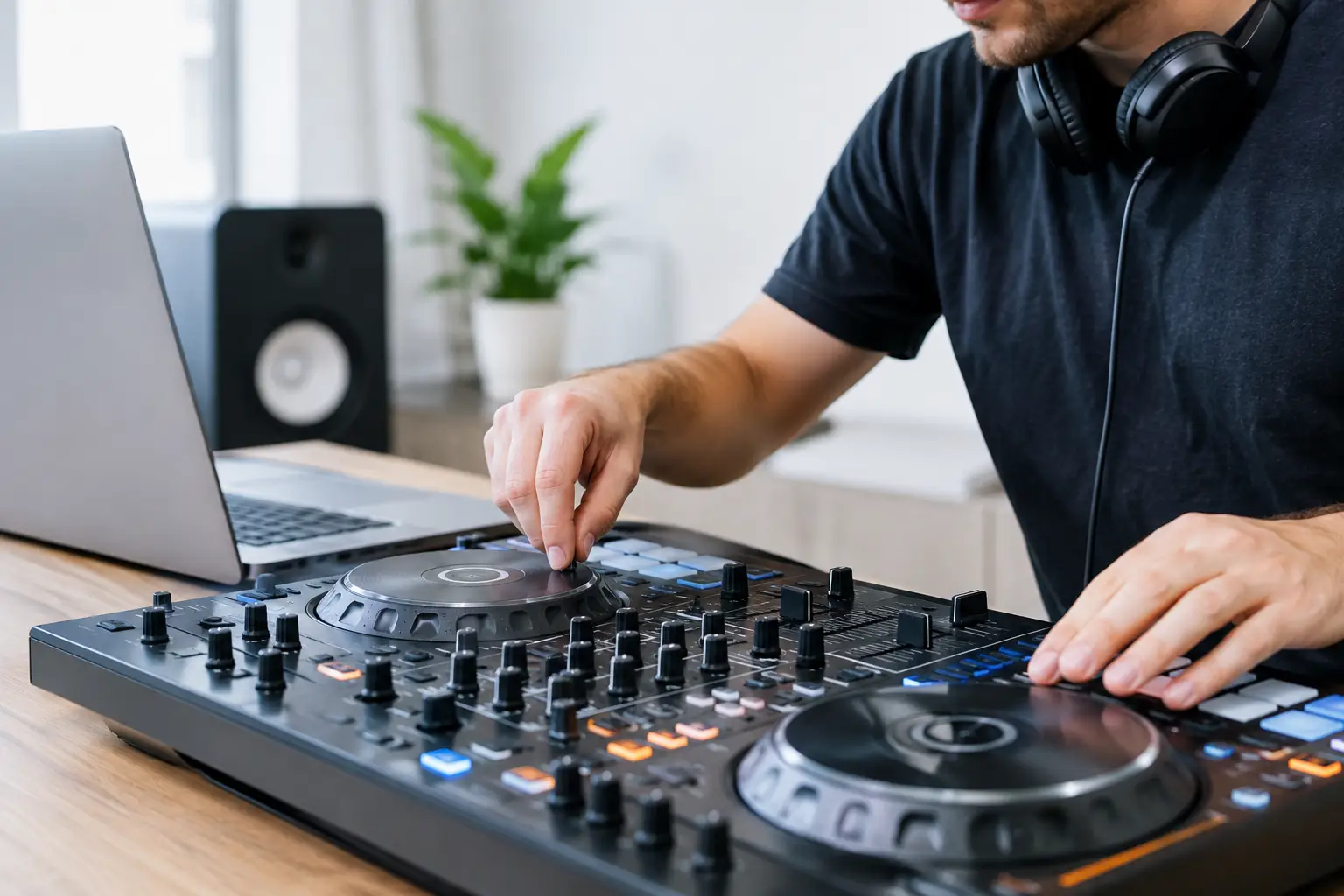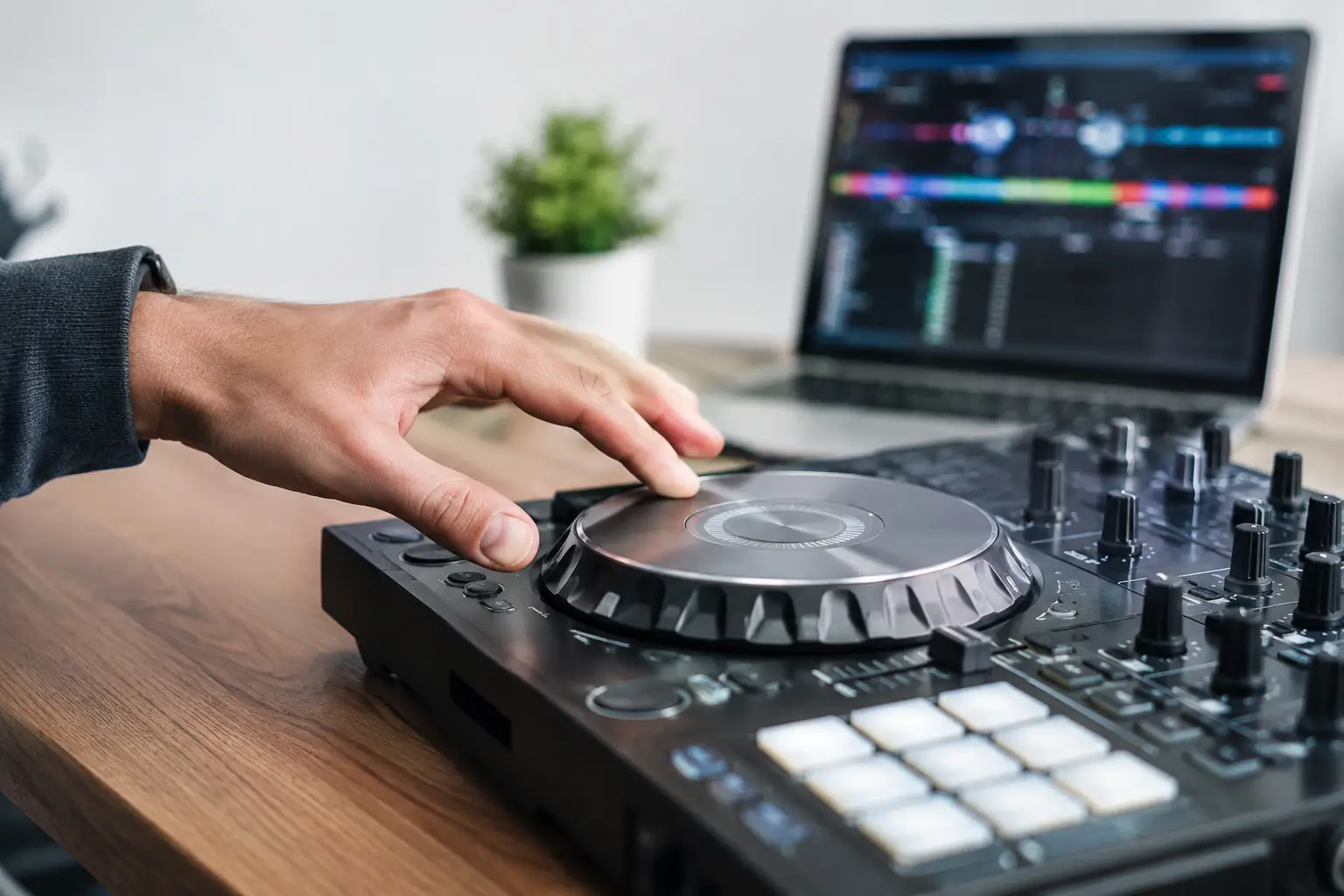
A transition can be technically locked and still feel wrong. The beats may line up, but the outgoing track drops before the incoming one has earned its place, or a poorly analyzed intro pulls the mix off time halfway through. When weighing sync vs. manual beatmatching, how you choose for your next transition should depend on the tracks, your setup, and what you need to control in that moment.
Sync is not cheating, and manual beatmatching is not automatically more musical. They solve different parts of the job. Sync can hold two correctly prepared tracks at the same tempo, freeing your attention for phrase timing, EQ, loops, and effects. Manual beatmatching gives you direct control when a beatgrid is wrong, a track changes tempo, or you need to react without trusting the screen.
The useful question is not, “Which method is better?” It is, “What could fail in this transition, and which method lets me hear and correct it fastest?”
Sync vs. Manual Beatmatching for Your Next Transition
Use sync when the music and preparation support it. Use manual beatmatching when the mix needs hands-on correction or when the software’s tempo information cannot be trusted. Most working DJs use both, often within the same set.
Tempo sync generally matches the BPM values of two decks. Beat sync can also align the downbeats using each track’s beatgrid, depending on the software and settings. That distinction matters. If a track is analyzed at the wrong BPM or its first downbeat is misplaced, beat sync may consistently put the track in the wrong place. The software is following bad instructions accurately.
Manual beatmatching means adjusting pitch faders, jog wheels, platters, or nudge controls until the tracks stay aligned by ear. It is slower at first, but it does not require a correct grid. It also builds an understanding of whether a problem is a small offset, an incorrect tempo, or a track with genuine tempo variation.
Neither approach replaces phrasing. A synced 126 BPM track can still enter eight bars too early. A beautifully hand-matched blend can still clash if both records have competing vocals or basslines. Timing has layers: beat alignment is one layer, while phrase timing and arrangement are separate musical decisions.
Start With the Transition You Want to Make
A short, high-energy switch between two well-prepared electronic tracks is a strong case for sync. If both tracks have stable tempo, accurate grids, and clear eight- or 16-bar phrasing, sync lets you focus on the audible decisions. You can bring in a percussion loop, trade basslines at a phrase boundary, or use a one-bar echo to clear the outgoing vocal without constantly correcting speed.
Manual beatmatching is often the safer choice when bringing in a track with a loose intro, live drums, an old disco recording, or an edit of uncertain origin. These tracks may have no stable BPM across the full arrangement. A grid can be close enough for browsing but still drift during a long blend.
It is also useful for transitions that deliberately bend tempo. If you are moving from 120 BPM house to 128 BPM techno over several phrases, sync can help establish the destination tempo. But manually controlling the rise may sound more intentional, especially when the musical energy, not just the BPM number, needs to build gradually.
Worked example: a clean 32-beat blend
Imagine an outgoing house track at 128 BPM and an incoming track analyzed at 128 BPM. You want a 32-beat transition starting at the next phrase boundary. At 128 BPM, one beat lasts 60 ÷ 128 = 0.46875 seconds. A 32-beat blend lasts 15 seconds.
With reliable beatgrids, engage sync, cue the incoming track so its first downbeat lands on the phrase start, and listen in headphones before opening the channel. During those 15 seconds, your job is not finished. Check whether the kicks are reinforcing each other too heavily, whether the bass swap happens at the right point, and whether a vocal needs a quicker exit.
Now change one detail: the incoming track’s grid is offset by a quarter beat. Sync can keep both tracks at 128 BPM while maintaining that quarter-beat flam between the kicks. In this case, turn sync off or correct the grid, then nudge the incoming track into place by ear. The issue is grid offset, not a failure of sync as a concept.
Know What Kind of Drift You Are Hearing
“Drift” gets used for several different problems. Identifying the type saves time in the booth.
If both tracks are consistently misaligned by the same amount from the first beat, you likely have a grid offset or started the track at the wrong cue point. A quick nudge can fix the immediate mix, but the track should be corrected later if it is part of your regular library.
If the tracks begin aligned but slowly separate at a steady rate, their actual tempos do not match. For example, 128.0 BPM and 128.2 BPM differ by 0.2 beats per minute. They will drift by one full beat in five minutes, and by a quarter beat in about 75 seconds. That can be enough to make a long overlay sound loose. Match the actual tempo manually, or confirm that the BPM and beatgrid analysis are correct before relying on sync.
If the tracks drift unpredictably, the recording itself may have variable tempo. This is common with live musicians, older transfers, and recordings without a fixed tempo map. No single BPM setting will hold the entire track together. Mix over a shorter section, use percussion-free passages, make small manual corrections, or choose a transition that does not require a long layered blend.
When Sync Gives You More Creative Control
Some DJs avoid sync because they associate manual beatmatching with skill. But sync can create more room for skills that listeners actually notice: selecting the right record, reading the room, managing energy, and shaping an arrangement in real time.
It is especially useful when you are handling four decks, layering acapellas, triggering loops, or moving between prepared cue points. At that point, manually guarding every tiny tempo mismatch can consume attention that belongs on the musical result. Sync can also help when switching between decks with different pitch ranges or when the booth monitoring makes fine manual matching difficult.
There are limits. Key lock and time stretching may affect sound quality at larger tempo changes, particularly on exposed vocals, cymbals, and sustained pads. Sync does not make an extreme tempo jump invisible. If moving a 100 BPM track to 128 BPM, consider whether a bridge track, a drum loop, or a deliberate reset transition will sound better than forcing a large stretch.
When Manual Beatmatching Is the Better Tool
Manual control shines when you need to respond to what you hear rather than what the display claims. That includes tracks with uncertain grids, decks that are not linked, back-to-back sets with unfamiliar preparation, and transitions involving live or variable-tempo material.
It is also valuable for making micro-adjustments while sync remains available. Many DJs engage sync to get close, then use nudges to make the groove sit correctly. A grid may be mathematically aligned but feel slightly wrong because of pickup notes, swung percussion, or an intro that begins before the first full kick. Your ears should make the final call.
The common mistake is treating manual beatmatching as a test of endurance. If you have spent 20 seconds chasing a drifting track while the phrasing passes by, the transition has already become harder than it needs to be. A shorter cut, loop, echo exit, or reset can be a better musical decision than rescuing a blend that the source material does not support.
A Practical Choice Before You Press Play
Check three things in headphones: whether the beats align, whether they continue to align over several bars, and whether the phrase change supports the swap. If all three are solid, sync is a sensible starting point. If alignment is visibly or audibly suspect, take manual control before the audience hears the problem.
For tracks you plan to use often, prepare them outside the pressure of a set. Verify the BPM, set the first downbeat accurately, and mark phrase starts where the arrangement changes. If you need to compare a track’s timing by ear, BeatTiming’s beatmatching calculator can help you understand the tempo relationship before you build the transition around it.
The next time a mix feels shaky, do not ask whether sync or manual beatmatching is more legitimate. Listen for the kind of timing problem you have, choose the control that fixes it, and keep the transition serving the music.