A track comes in with no reliable BPM label, a sampled loop drifts against the grid, or a drummer gives you a groove that feels too good to flatten with a guess. That is where tap tempo earns its place. Tap along with the pulse, get a practical BPM estimate, and turn a listening decision into numbers you can use on the decks or in the studio.
The goal is not to replace your ears. The goal is to give your ears a fast, repeatable way to communicate with your DAW, effects rack, sampler, or DJ software. Find the beat. Make it music.
What tap tempo measures
Tap tempo calculates beats per minute from the time between repeated taps. Each click, keyboard press, or screen touch marks a beat. Once there are enough taps to establish a pattern, the calculator converts the average spacing into BPM.
The core relationship is simple:
BPM = 60 ÷ seconds per beat
If one beat lasts 0.5 seconds, the tempo is 120 BPM. If one beat lasts 0.75 seconds, it is 80 BPM. A tap tempo tool handles that math while you focus on matching the pulse.
For a longer sequence, the calculation is more dependable when it uses the elapsed time from the first tap to the last tap, divided across the intervals between them. If you make eight taps, there are seven beat intervals, not eight. That distinction matters when you want a result that holds up for a transition, a loop edit, or a timed delay.
A single tap tells the tool nothing. Two taps produce a rough tempo. Four to eight steady taps usually provide a useful working value. More taps can improve confidence, but only if you continue to follow the same musical subdivision.
How to use tap tempo without getting half-time wrong
Start by deciding what you are tapping. For most dance music, tap the quarter-note pulse: the count you would say as “one, two, three, four.” In a 128 BPM house track, that gives you 128 BPM.
The common problem is that a listener taps every other beat instead. The tool may return 64 BPM, which is mathematically correct for the taps but not necessarily useful for the workflow. The opposite can happen with fast percussion, where tapping eighth notes turns a 90 BPM beat into 180 BPM.
Neither number is automatically wrong. Tempo has musical context. A 70 BPM hip-hop beat may be felt as 140 BPM in a double-time arrangement. A 174 BPM drum and bass track may be counted in half-time at 87 BPM. The right answer depends on what you need to do next.
For DJ beatmatching, use the BPM range displayed by your decks and tap the pulse you intend to align. For delay, LFO, and MIDI clock work, use the project tempo or the subdivision your device expects. For a sample with a halftime feel, test both interpretations before time stretching it. The waveform, bar length, and downbeat placement will usually settle the question quickly.
A reliable tapping routine
Listen for a full bar before you tap. Then begin on a clear downbeat and keep tapping for at least two bars. In most 4/4 music, eight taps covers two bars of quarter notes. Keep your input light and consistent rather than trying to strike exactly on every kick transient.
If your BPM jumps around, do not chase the display by speeding up and slowing down your taps. Stop, wait for the next obvious phrase start, and begin again. A clean eight-tap pass is more useful than twenty corrections made after losing the beat.
Keyboard input is often the fastest option at a desk, especially while cueing tracks or working in a DAW. Mouse and touch input are equally effective when you are checking a record crate, teaching from a browser, or standing away from the controller. What matters is steady timing, not the input method.
From a BPM estimate to a usable production value
BPM becomes more valuable when you convert it into timing values your session can use. At 120 BPM, one quarter note lasts 500 milliseconds. At 128 BPM, it lasts 468.75 ms. That difference is small enough to miss by ear in isolation, yet large enough for an unsynced delay repeat to smear against a groove.
Use these timing relationships when an effect or hardware unit needs milliseconds instead of note values:
- A quarter note equals 60,000 ÷ BPM milliseconds.
- An eighth note is half of the quarter-note value.
- A dotted eighth note is three-quarters of a quarter-note value.
- A quarter-note triplet is two-thirds of a quarter-note value.
At 120 BPM, a quarter-note delay is 500 ms, an eighth-note delay is 250 ms, a dotted eighth is 375 ms, and a quarter-note triplet is about 333.33 ms. Those are starting values, not commandments. Delay feedback, filtering, swing, and the source material can make a technically correct setting feel too busy or too empty.
The same BPM can guide LFO rates, tremolo, sidechain-style volume movement, gate patterns, and reverb pre-delay. A tempo-synced effect is usually easier to manage in musical note divisions. A non-sync effect with a millisecond control needs the conversion. In both cases, tap tempo gives you a fast route from an unknown recording to a setting that belongs with it.
On the decks: tap tempo for transitions and phrasing
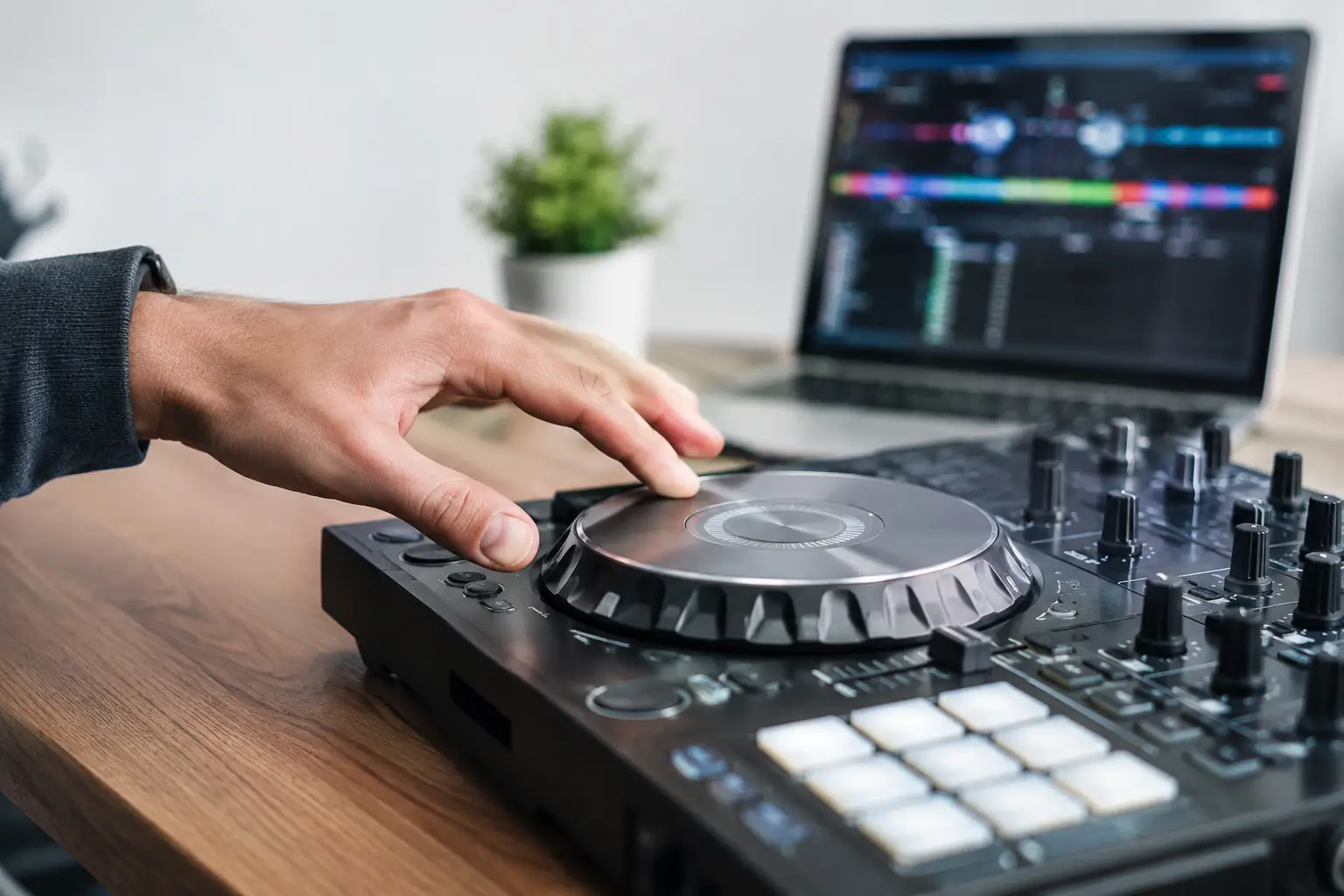
On the decks, tap tempo is especially useful when BPM metadata is missing, inaccurate, or affected by an old rip, vinyl transfer, or live drummer. It gives you a starting point for pitch adjustment before you commit to a mix.
Use it to identify the incoming track’s approximate tempo, then compare it with the playing track. If one track reads 124 BPM and the other lands near 128 BPM, you know the size of the adjustment before you start nudging. You also know whether the tempo gap is reasonable for the style, the energy of the room, and the available time-stretch range.
Tempo alone does not create a clean transition. Phrase time matters just as much. A track at 126 BPM has about 30.48 seconds in a 16-bar phrase of 4/4 music. At 128 BPM, that same 16-bar phrase lasts 30 seconds. If you are planning a 32-bar blend, those small differences affect where vocals, drops, and breakdowns meet.
Tap the musical pulse, then count the structure. A BPM number can tell you how quickly the clock is moving. Your phrase count tells you where to make the move.
When a tap tempo result is not enough
Some material does not have a fixed tempo. Live bands may speed up slightly through a chorus. Older disco, funk, soul, and rock recordings can drift enough that a single BPM value only describes an average. A tap tempo result is still useful, but treat it as a reference point rather than a permanent grid.
For a drifting track, tap several sections: the intro, verse, chorus, and outro. If the readings vary, prepare for manual correction, flexible beat grids, or a shorter transition. For a DJ set, an eight- or sixteen-bar blend may be safer than a long locked loop. For production, warp markers may be more appropriate than a global stretch.
Swing introduces another trade-off. The quarter-note BPM may be stable while the eighth notes are intentionally uneven. Tap the main pulse, not every swung subdivision. Let the groove keep its shape instead of forcing it into a straight grid.
Accuracy comes from consistent inputs
Tap tempo is an estimate of your repeated timing, so the quality of the result depends on how you tap and what you hear. Start after the intro has established the groove. Avoid tapping fills, breakdowns, and pickup notes. Use a clear kick, clap, bass hit, or metronomic percussion part as your anchor.
Rounding also deserves attention. A display of 127.96 BPM may be valuable when matching a digital file or checking a time-stretched loop. For a CDJ pitch move or a classroom exercise, 128 BPM may be the clearer number. Keep the extra precision when it changes an actionable setting. Round when it does not.
BeatTiming is built around that practical distinction: capture tempo quickly, then use the result for timing calculations that make sense in a real DJ or production workflow. No audio upload or microphone is required. You supply the pulse, and the number stays tied to the musical decision you are making.
Make the number serve the groove
A BPM reading is not a verdict on a track. It is a tool for the next action: align a loop, set a delay, calculate a phrase, match a record, or teach a student why a 500 ms beat equals 120 BPM.
When the number and the groove disagree, trust the groove long enough to find out why. You may be hearing halftime, double-time, swing, or tempo drift. Tap again with a clearer reference, test the timing against a bar, and use the value that helps the music land where you intend it to land.